

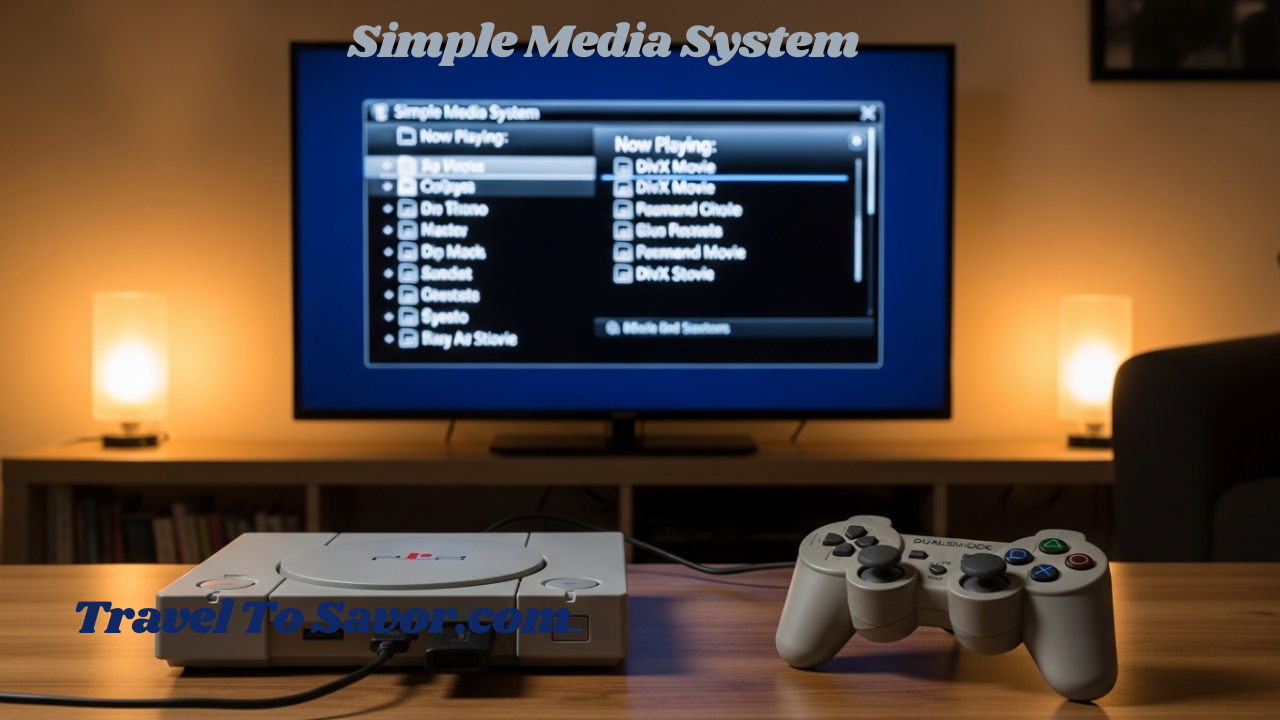
Remember when the PlayStation 2 was just for gaming? While Sony’s legendary console dominated the sixth generation with over 155 million units sold worldwide, a passionate homebrew developer named Eugene Plotnikov saw something more . He envisioned transforming this gaming giant into a fully functional media center. That vision became Simple Media System (SMS)—a piece of open-source software that unlocks your PS2’s hidden potential to play videos, music, and photos.
If you’ve been searching for a “simple media system” to breathe new life into your classic console, you’ve come to the right place. Whether you’re a retro gaming enthusiast looking to consolidate your entertainment setup or a tech hobbyist eager to explore the PS2’s capabilities, this guide covers everything you need to know about SMS. We’ll dive deep into supported formats, installation methods, optimal encoding settings, and answer those burning questions about what this remarkable software can do.
Let’s transform your trusty PS2 from a gaming relic into a versatile media machine.
What Exactly Is Simple Media System?
Simple Media System (SMS) began as a curiosity project. Eugene Plotnikov wanted to create a straightforward DivX player capable of playing high-resolution movies at smooth frame rates on an unmodified PS2, without requiring extra equipment like a hard drive or network adapter .
The name “Simple Media System” reflects its comprehensive approach. It’s not just a player—it’s a complete system. Since the PS2 conventionally ignores “illegal” disks (burned media without proper authentication), Plotnikov developed a clever workaround called CDDAFS (CD Digital Audio File System). This special format stores data on audio CDs that any PS2 can read, bypassing the console’s restrictions .
What started as a basic video player has evolved into a full-featured media center. Today’s SMS supports playback from USB drives, internal hard drives, and network shares, along with subtitle display and robust audio playback . The software remains open-source, with its code available on GitHub for enthusiasts who want to explore, modify, or improve it .
Key Features That Make SMS Shine
Before diving into technical specifications, let’s look at what makes Simple Media System so valuable for PS2 owners:
-
Multiple playback sources: Load media from USB drives, DVDs, network shares (SMB), or internal hard drives
-
High-definition output: Supports 720p and 1080i display modes for enhanced viewing on modern TVs
-
Comprehensive format support: Plays DivX, XviD, MPEG-2 videos alongside MP3 and FLAC audio
-
Subtitle support: Display subtitles during video playback
-
Image viewing: Browse JPG photos directly on your console
-
Active development community: Ongoing improvements including 576p video mode and enhanced audio processing
Supported Formats: What Video and Audio Files Work with SMS?
This brings us to the most frequently asked questions: “What formats does simple media system support PS2?” and “What video format does PS2 support?”
The answers reveal both the impressive capabilities and the technical limitations of running media on vintage hardware.
Video Formats and Codecs
Simple Media System leverages the famous FFmpeg project as its foundation, modified specifically for PS2 hardware . The software supports:
| Video Format | Compatibility Notes |
|---|---|
| DivX | Primary target format, excellent performance |
| XviD | Fully supported, similar to DivX |
| MPEG-2 | Supported, good for DVD backups |
| AVI container | Most common container for DivX/XviD content |
Important limitation: The PS2 cannot play Blu-ray discs or modern formats like H.264/MPEG-4 AVC. The console lacks the necessary blue-violet laser (DVDs use 650nm wavelength versus Blu-ray’s 405nm) and the decoding hardware required for HD content . Even 720p playback pushes the Emotion Engine CPU to its limits.
Audio Formats
For audio enthusiasts, SMS delivers impressive flexibility:
-
MP3 – Full support with excellent playback quality
-
FLAC – Lossless audio compression supported
-
AC3/Dolby Digital – Supports downmixing with Dolby ProLogic II matrix for surround sound
Resolution and Encoding Guidelines
The PS2’s graphics hardware imposes a maximum texture size of 1024×1024 pixels . This creates specific limitations and opportunities for video encoding. Here are the recommended encoding settings based on your setup:
For standard 480i/p displays (traditional SDTVs):
-
Encode at 640×480 (4:3 aspect ratio) or 720×480 (16:9)
-
These resolutions match the console’s native output
For 720p displays:
-
Use SMS’s built-in 720p output option
-
Encode at 960×720 (minor glitches possible) or 1024×768 (recommended for best compatibility)
1080i displays:
-
Select the 1080i output mode in SMS
-
Encode at 960×540 for optimal scaling
-
Advanced users can push to 1024×576 or even 1024×920 for maximum pixel count
FUSB playback (critical performance note):
-
USB 1.1 is painfully slow (roughly 1.5MB/s maximum)
-
Avoid high bitrates; stick to 960×540 or lower
-
Keep bitrates conservative for smooth playback
For HDD-enabled PS2s (the ultimate experience):
-
Internal hard drive offers the best performance
-
Bitrate limitations disappear
-
Use maximum resolutions up to 1024×1024
For 60FPS content:
-
640×360 maintains 60FPS reliably
-
One user reported 640×464 averaging 60FPS
How to Install and Use Simple Media System
Getting SMS running on your PS2 requires some preparation, but the process is well-documented and achievable for most enthusiasts.
System Requirements
Before starting, you’ll need:
-
A PlayStation 2 console (any model)
-
A method to run homebrew software (options explained below)
-
Storage media for your videos (USB drive, burned CDs, or internal HDD)
Installation Methods
Since the PS2 doesn’t natively run unauthorized software, you have several options:
Option 1: Free Memory Card Boot (FreeMCBoot)
This is the most popular modern approach. FreeMCBoot installs exploit software to your memory card, allowing you to launch homebrew applications without modifying your console . Once installed, simply copy the SMS.ELF file to your memory card or USB drive and launch it from the FreeMCBoot menu.
Option 2: Modchip Installation
Hardware modification chips bypass the PS2’s security entirely. While effective, this requires soldering skills and voids any remaining warranty .
Option 3: Disc-Based Launch
Original SMS distributions supported booting from specially formatted CDs using the CDDAFS format. This method works on unmodified consoles but requires burning discs with software like Nero 5 .
Step-by-Step Setup Guide
-
Download SMS: Obtain the latest version from reputable homebrew sources (SMS 2.9 REV 4 is a stable release)
-
Prepare your boot method: Install FreeMCBoot if you haven’t already
-
Copy SMS to your memory card or USB: Place the SMS.ELF file in a location your PS2 can access
-
Configure video output: Hold △+× while booting to access PS2 system settings, then select component video output for progressive scan
-
Launch SMS: Navigate to the SMS.ELF file using your chosen launcher
-
Connect to your media source:
-
For USB: Insert your drive and navigate within SMS
-
For network: Configure static IP addresses on both PS2 and PC, create shared folders using SMB protocol
-
For HDD: Install a compatible hard drive in expanded PS2 models
-
-
Start playing: Browse to your media files and enjoy
Performance Expectations and Optimization Tips
Understanding what SMS can realistically deliver helps set appropriate expectations.
What Works Well
-
Standard definition content (640×480 or similar) plays beautifully, often achieving full frame rates
-
MP3 audio performs flawlessly
-
Network streaming works reliably with proper configuration
-
HDD playback delivers the smoothest experience
Where Limitations Appear
-
High-definition content pushes the PS2 hard. While 720p and 1080i output modes exist, achieving smooth playback requires careful encoding
-
USB playback struggles with high-bitrate videos due to USB 1.1 bandwidth limitations
-
Complex scenes in demanding videos may cause audio distortion or frame drops
Pro Tips for Best Results
-
Encode specifically for PS2: Don’t expect your existing high-definition library to work. Create dedicated encodes using the resolution guidelines above
-
Test with short clips: Before encoding entire movies, test a 2-3 minute sample to verify performance
-
Consider the source: Start with high-quality source material; garbage in, garbage out
-
Match frame rates: 24fps content works well, especially with the 2:2 pulldown feature for PAL displays
-
Monitor bitrates: For USB users, keep video bitrates moderate. The original developer noted that USB 1.1 “is quite slow, and as a result I don’t recommend anything above 960×540”
Frequently Asked Questions
What formats does simple media system support PS2?
Simple Media System supports DivX, XviD, and MPEG-2 video formats, along with MP3 and FLAC audio. Videos must be encoded within the PS2’s resolution limits (maximum 1024×1024 pixels). The software plays these files from USB drives, DVDs, network shares, or internal hard drives .
What video format does PS2 support?
Officially, the PlayStation 2 plays DVDs (DVD-Video format) and PS2 game discs. However, with Simple Media System installed, the console gains support for DivX, XviD, and MPEG-2 video files. The PS2 cannot play Blu-ray discs, H.264/MPEG-4 AVC content, or modern streaming formats due to hardware limitations .
Can I watch movies from a USB drive on my PS2?
Yes, absolutely! Simple Media System includes full USB mass storage support. Connect any compatible USB drive, navigate to it within the SMS interface, and play your encoded videos. Keep in mind that USB 1.1 speeds limit you to moderate bitrates and resolutions .
Do I need to modify my PS2 to use SMS?
You need some method to run homebrew software, but this doesn’t necessarily require permanent modifications. Free Memory Card Boot (FreeMCBoot) is a popular software-based exploit that lets you launch SMS from a memory card without soldering or altering your console .
What’s the maximum video resolution SMS can handle?
The PS2’s hardware limits textures to 1024×1024 pixels. In practice, resolutions around 960×540 offer the best balance of quality and performance for 1080i output. For 720p displays, 960×720 or 1024×768 work well .
Can SMS play videos over my home network?
Yes! SMS includes SMB (Server Message Block) client support. Configure your PS2 and computer with static IP addresses on the same subnet, create shared folders on your PC, and access them through the SMS network browser .
Does Simple Media System support subtitles?
Modern versions of SMS include subtitle support. You can display subtitles during video playback, making the software suitable for foreign-language films and content .
Is SMS still being developed?
The original developer, Eugene Plotnikov, released the source code to the community. Enthusiasts continue to maintain and improve the software, with releases like SMS 2.9 REV 4 adding features like 576p video mode and enhanced audio processing .
Conclusion: Is Simple Media System Worth Your Time?
For PlayStation 2 owners who appreciate both gaming and homebrew technology, Simple Media System represents something special. It’s a testament to what passionate developers can achieve when they refuse to accept limitations. Twenty years after the PS2’s release, SMS keeps the console relevant in ways Sony never officially supported.
Is it a replacement for a modern media streamer? No. You won’t stream Netflix or play 4K content. But that’s missing the point. SMS transforms your PS2 into a dedicated retro media machine—perfect for playing your carefully curated collection of classic movies, music, and fan creations on the hardware that defined a generation.
The software works best for:
-
Retro gaming enthusiasts who already have their PS2 connected
-
Homebrew hobbyists who enjoy tinkering and optimization
-
Archivists who want to preserve media in a format that runs on original hardware
-
Anyone curious about pushing vintage consoles beyond their intended limits